 TuyoCreating an account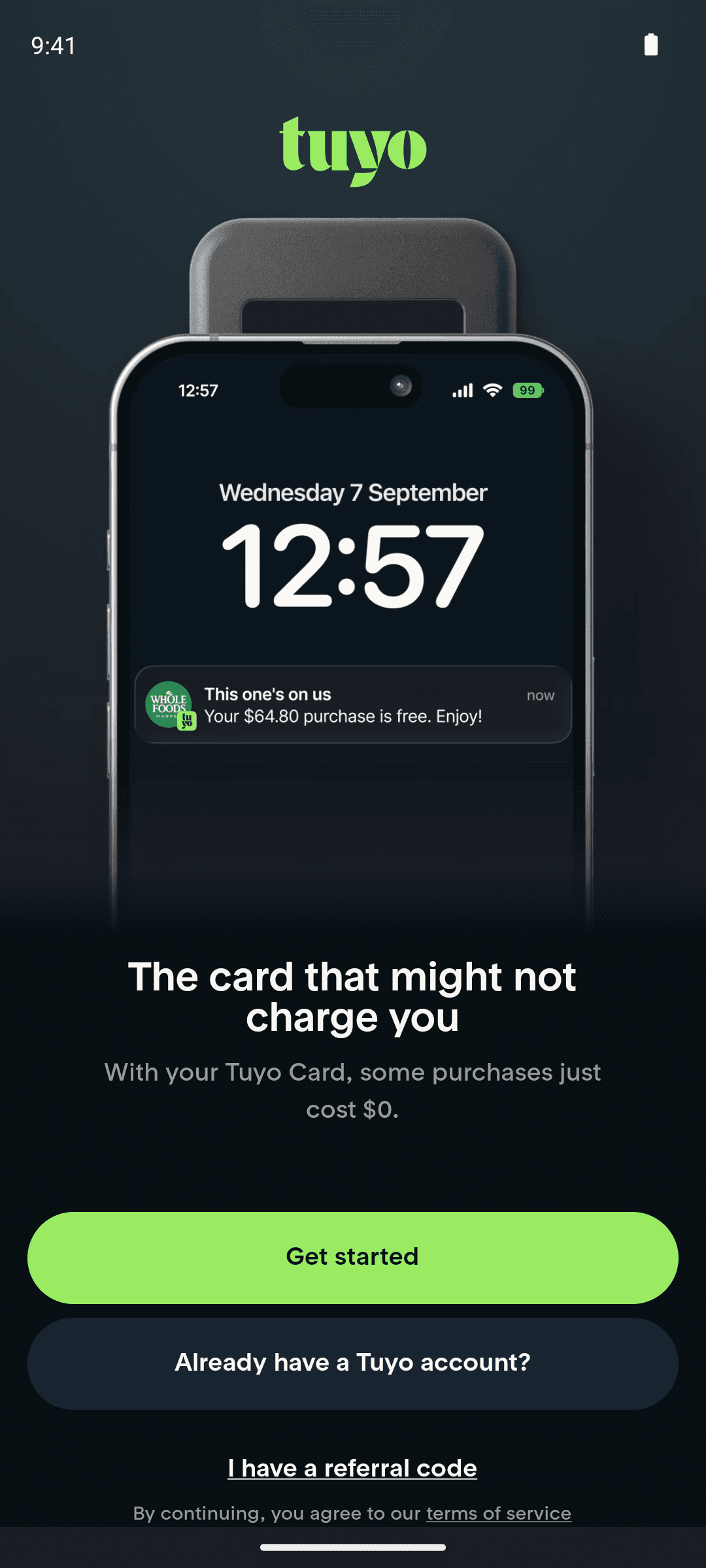
1Welcome
2Tap "Get started"
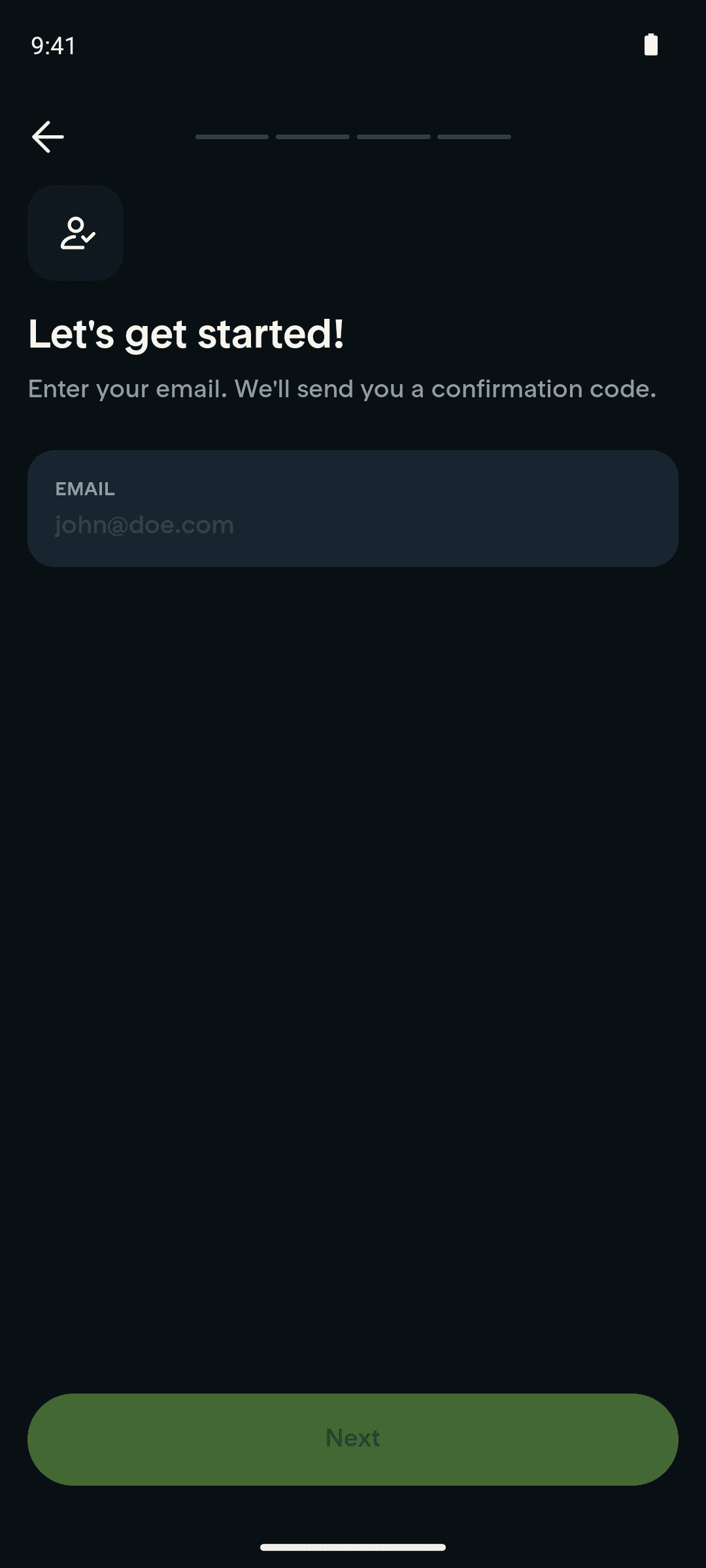
3Tap "Next" (sends 6-digit email code)
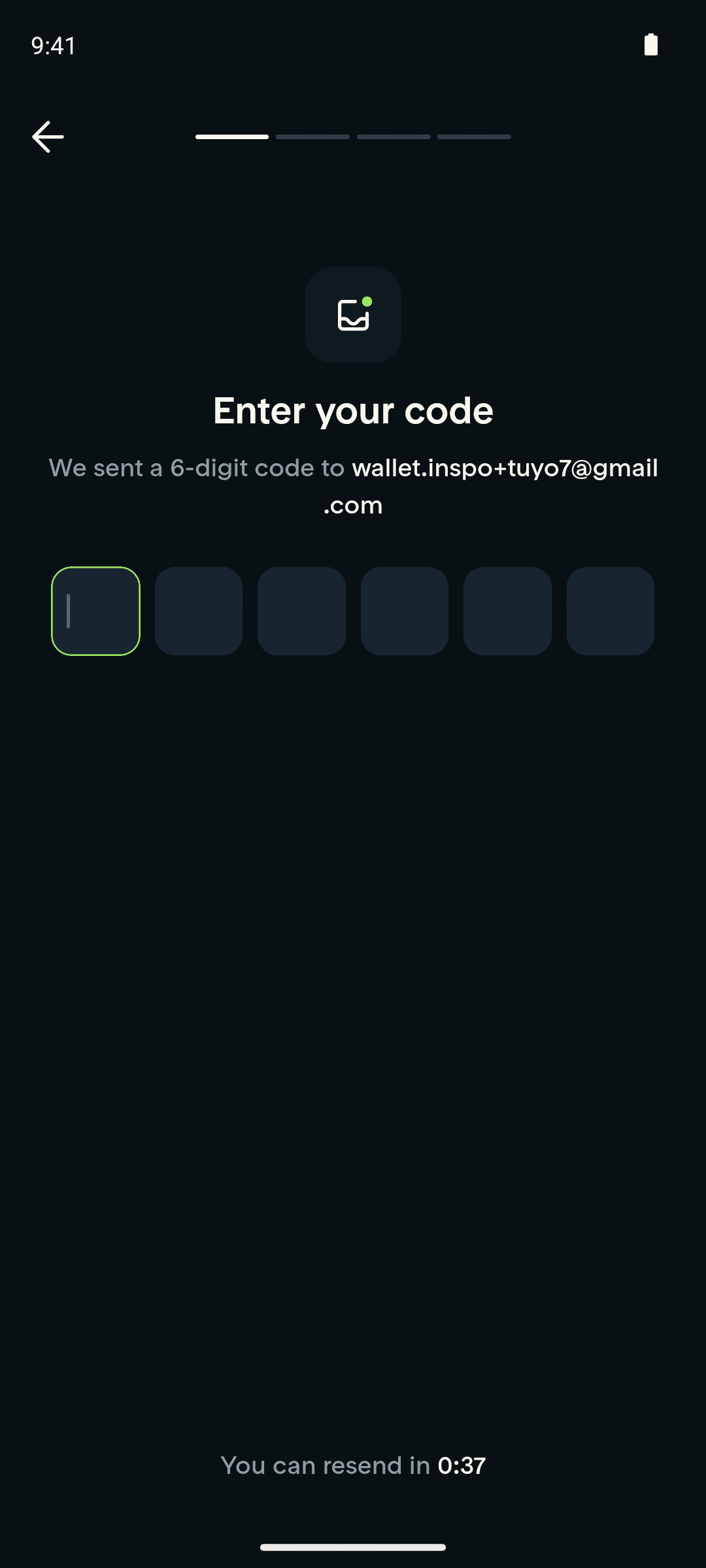
4Enter 6-digit code (auto-submits)
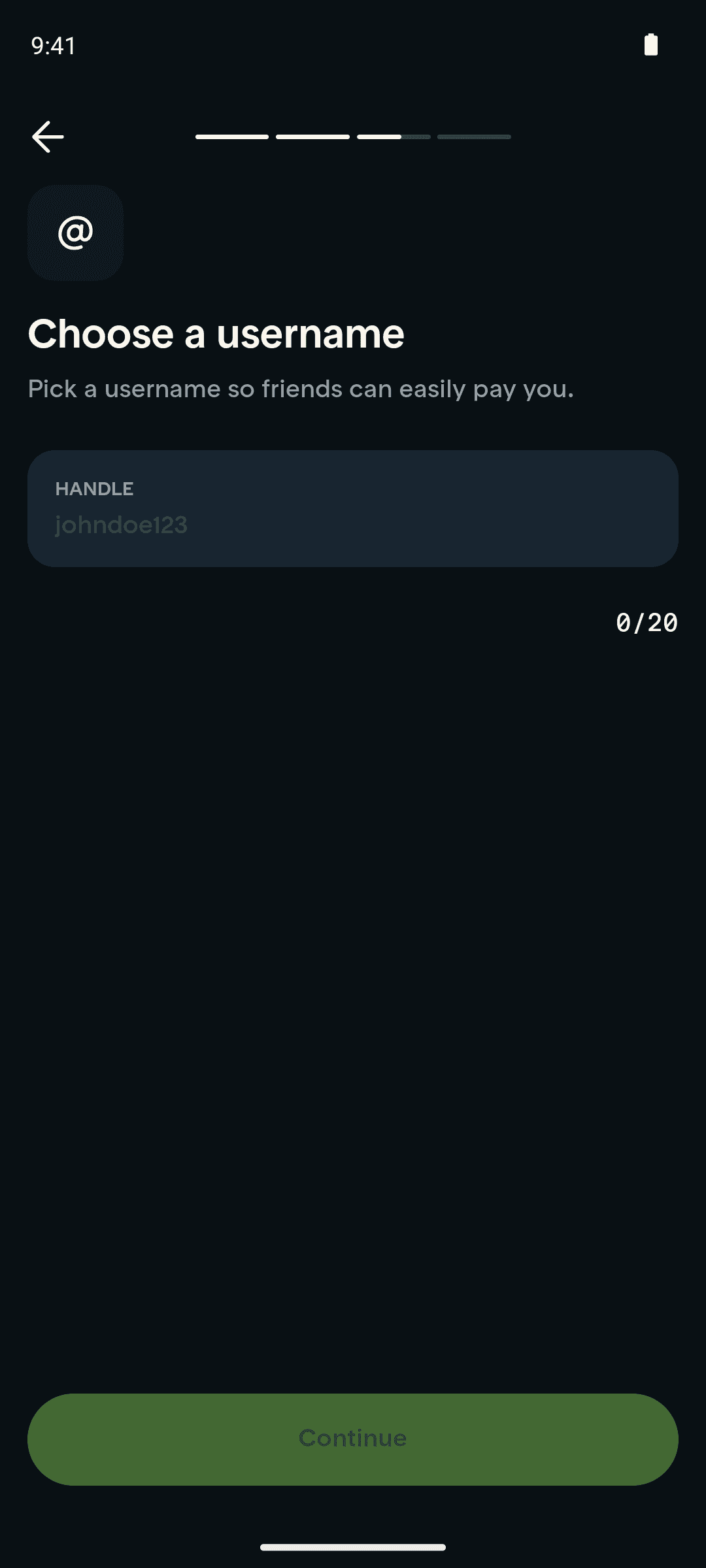
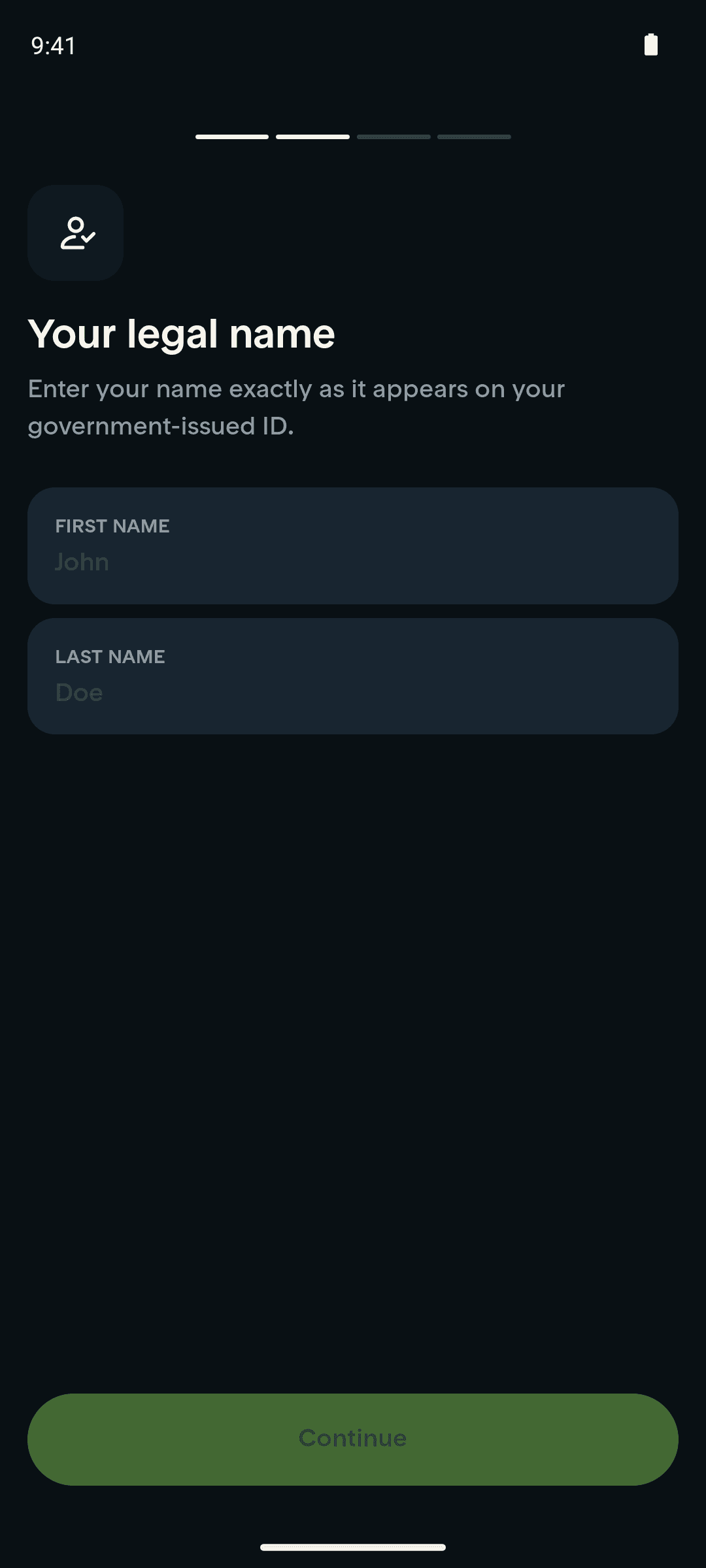
5Tap "Continue"
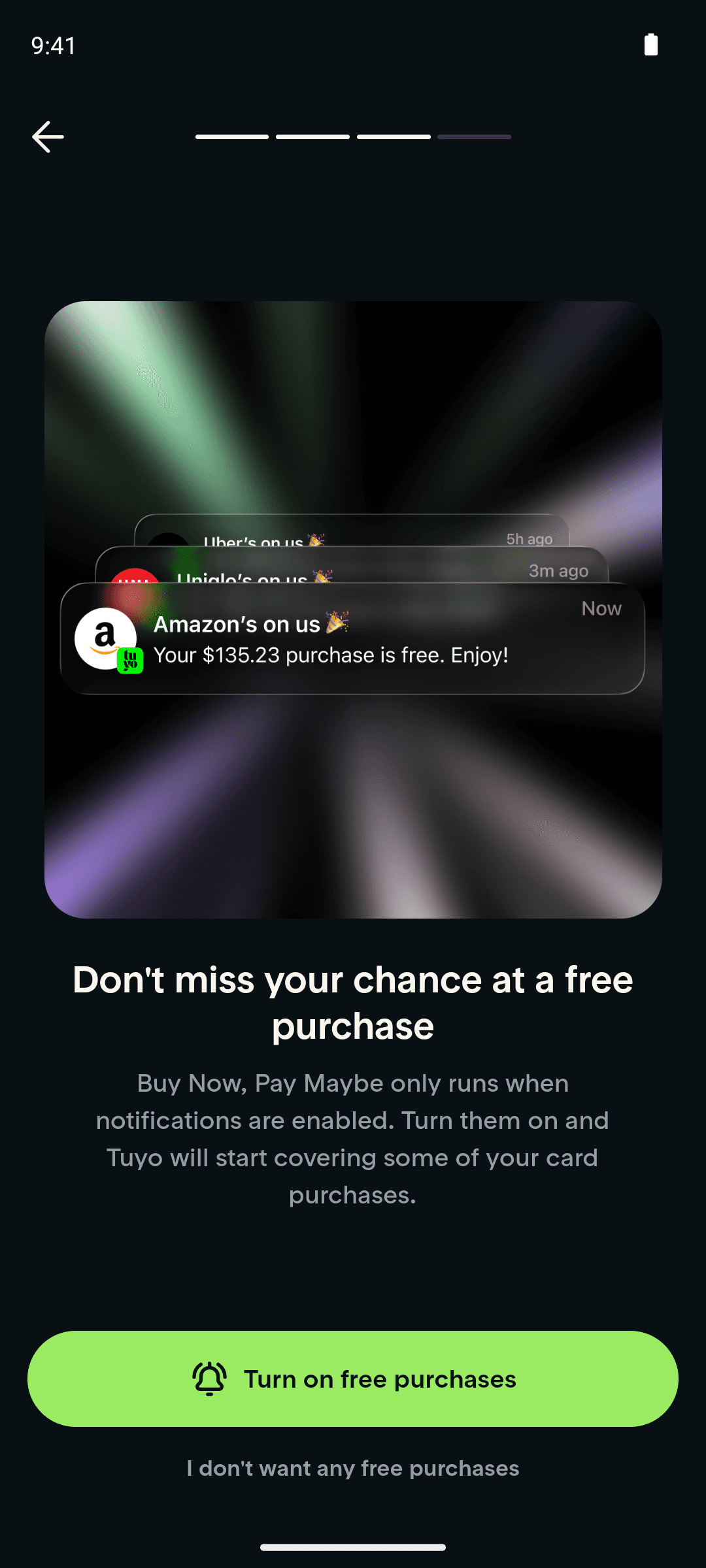
6Tap "Continue"
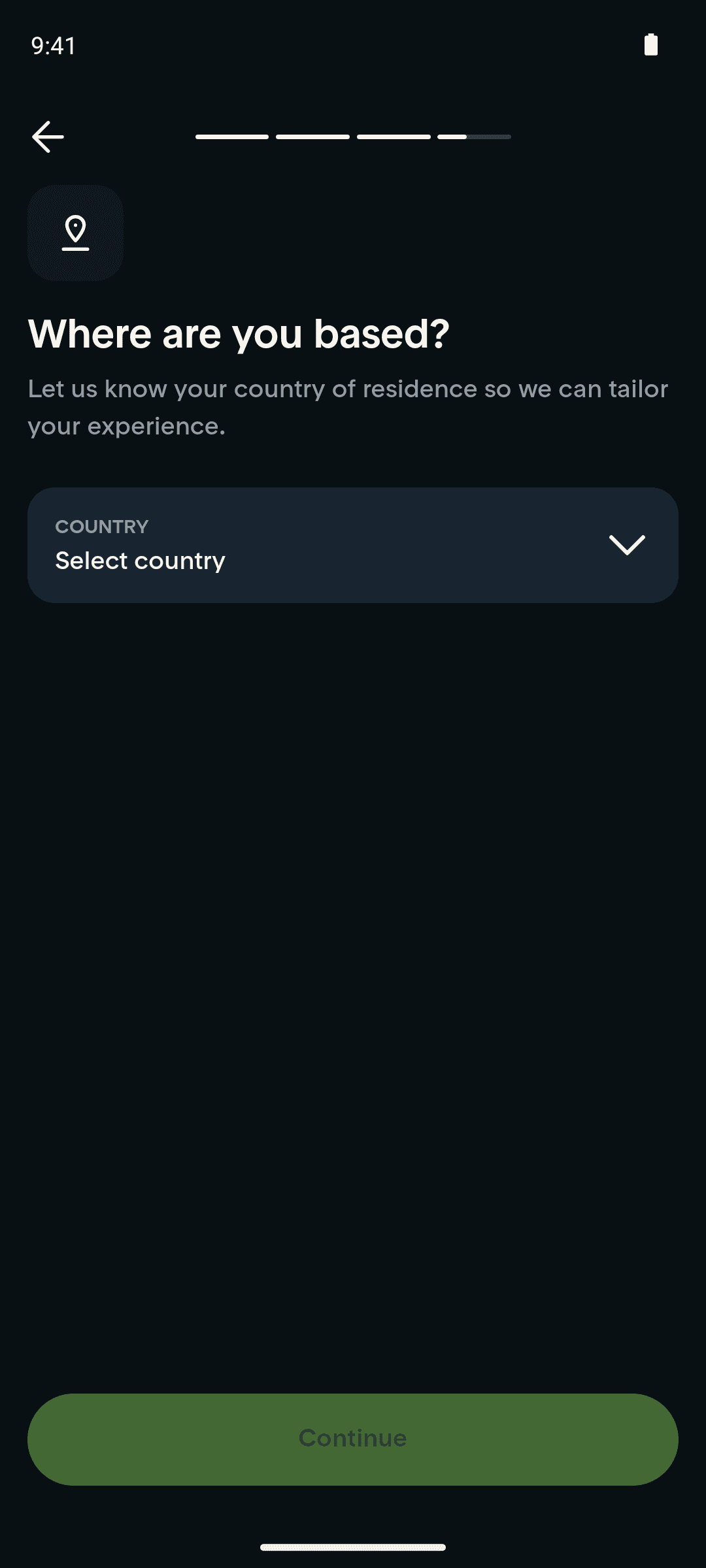
7Tap "I don't want any free purchases"
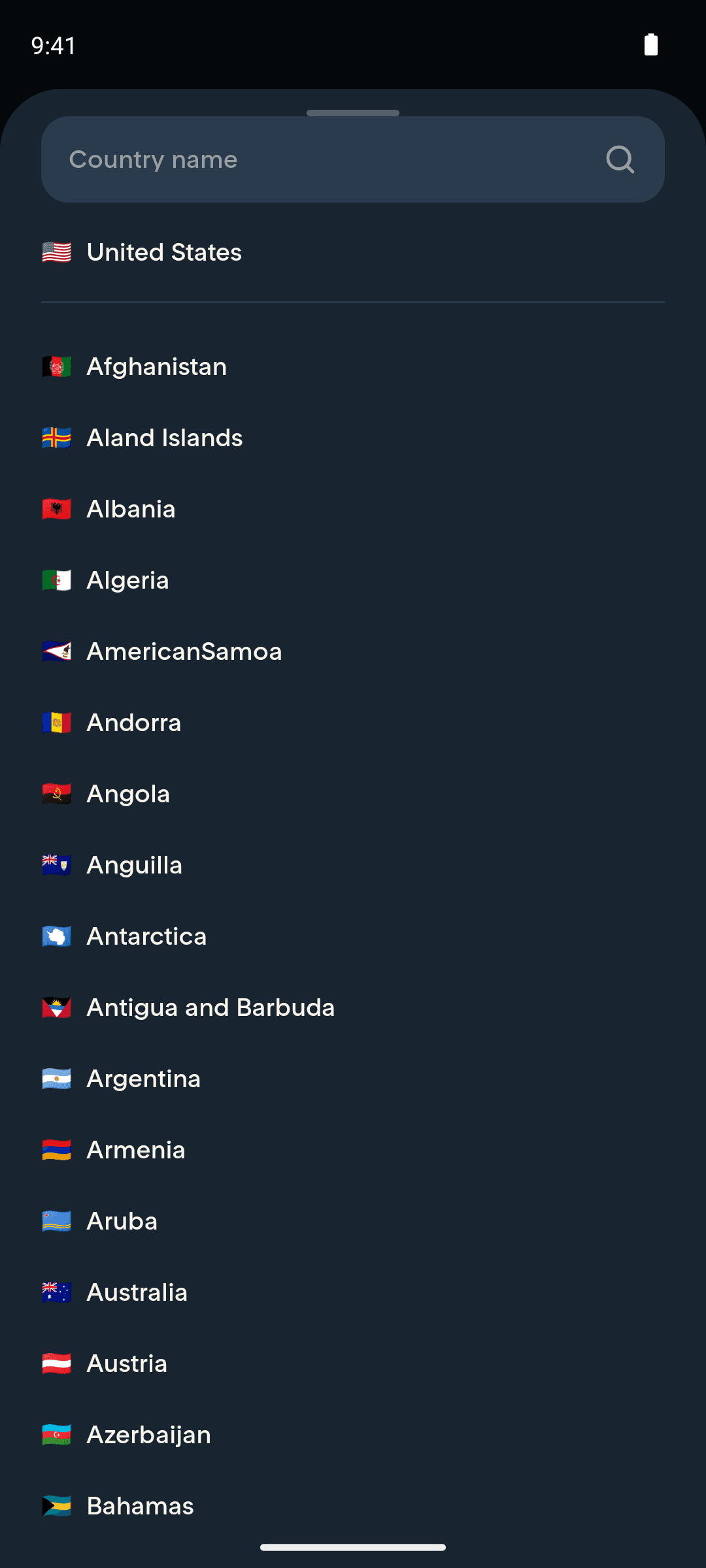
8Tap "Select country"
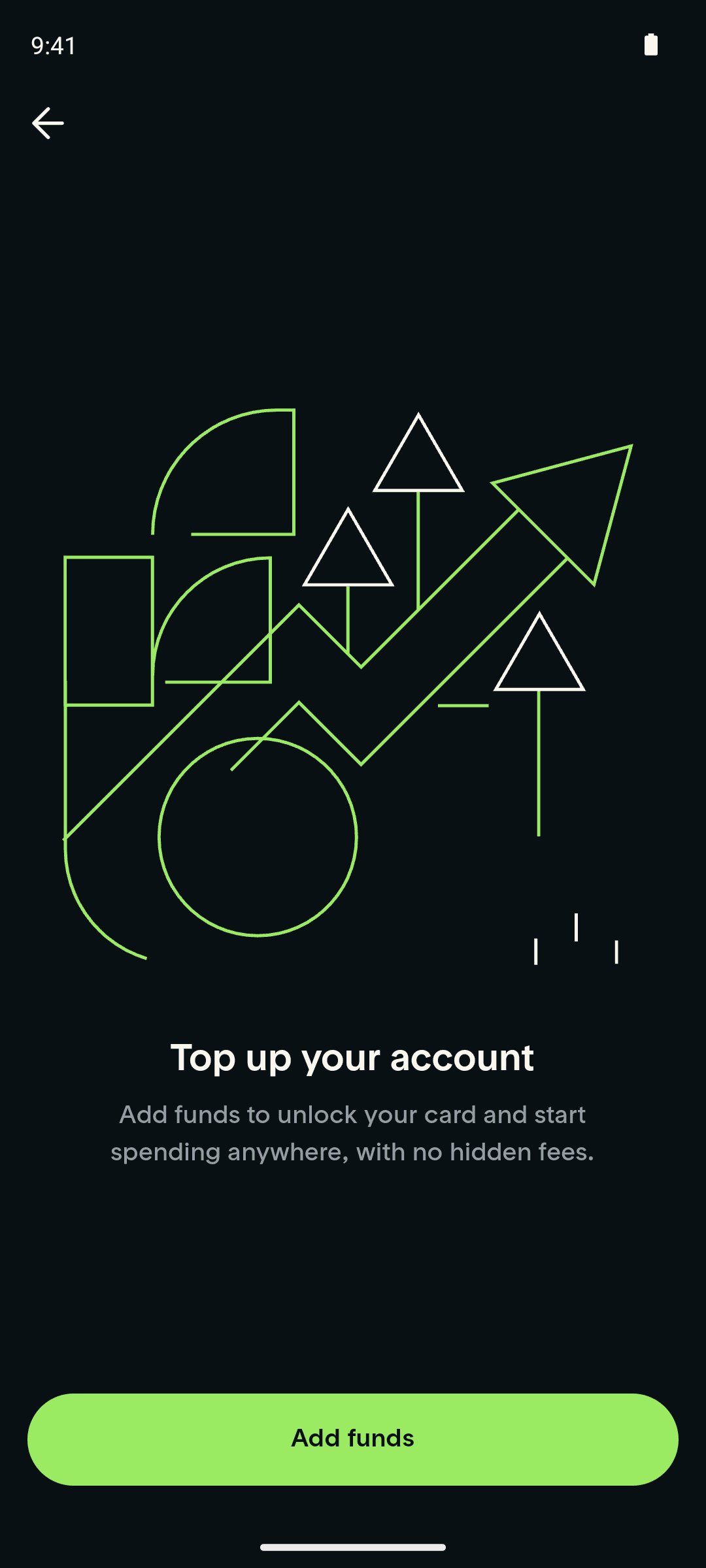
9Tap "Continue"
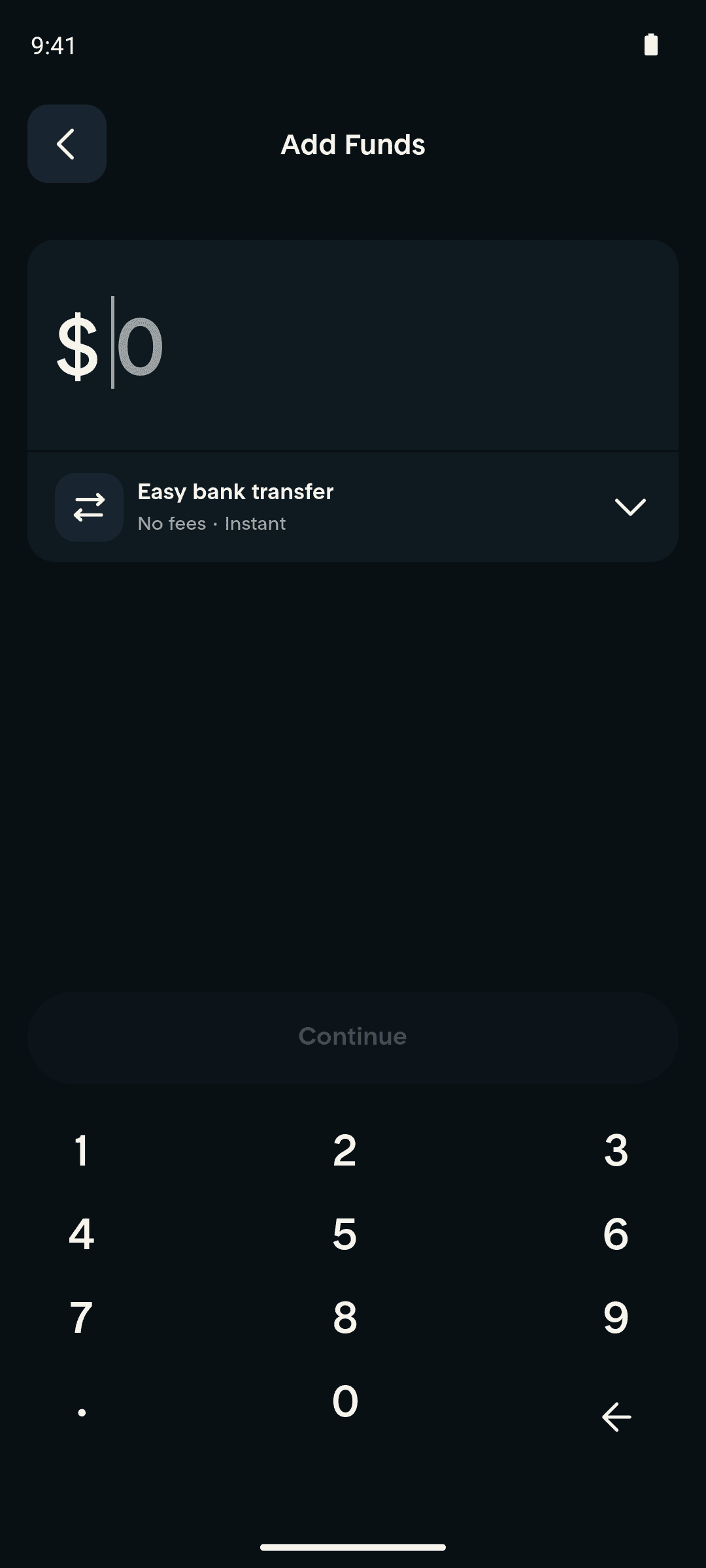
10Tap "Add funds"
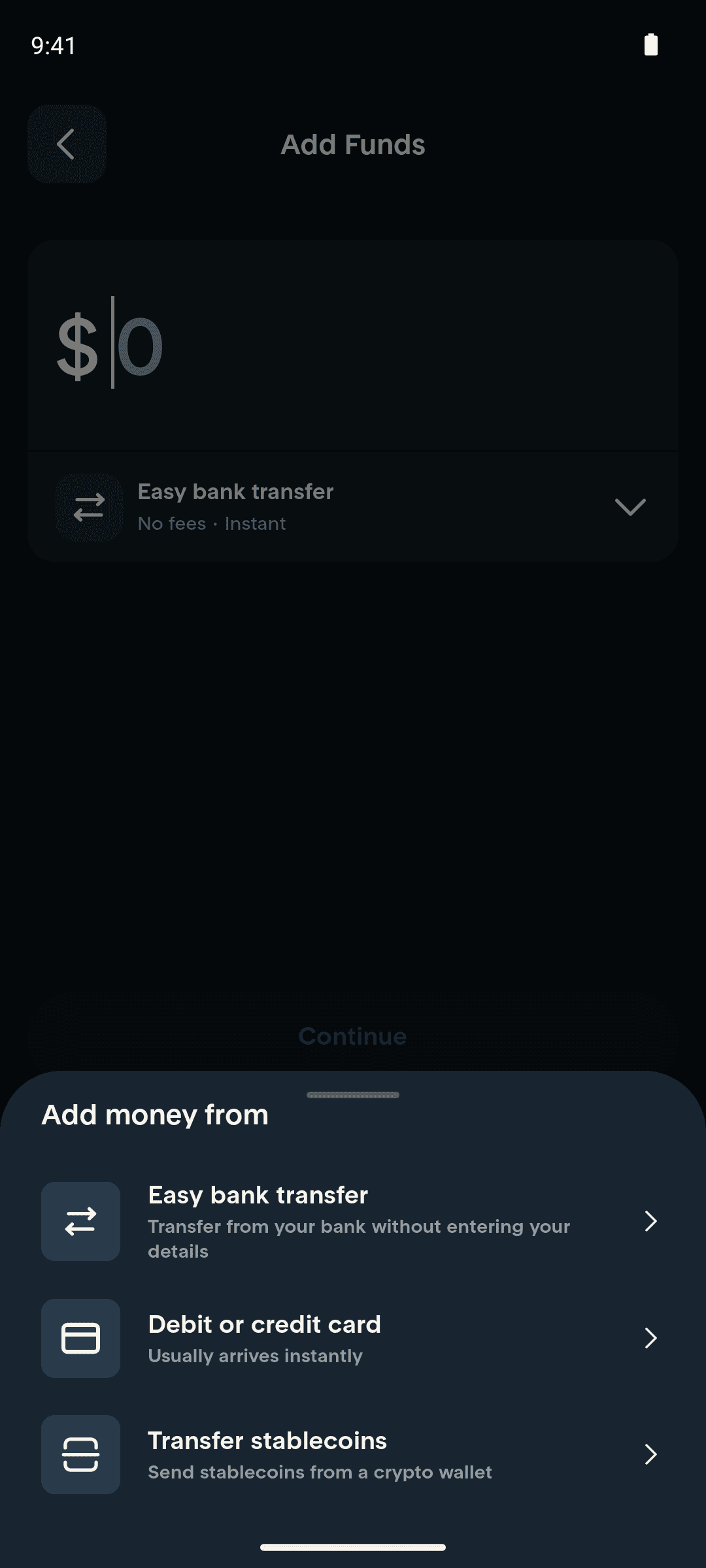
11Tap "Easy bank transfer" (open method picker)
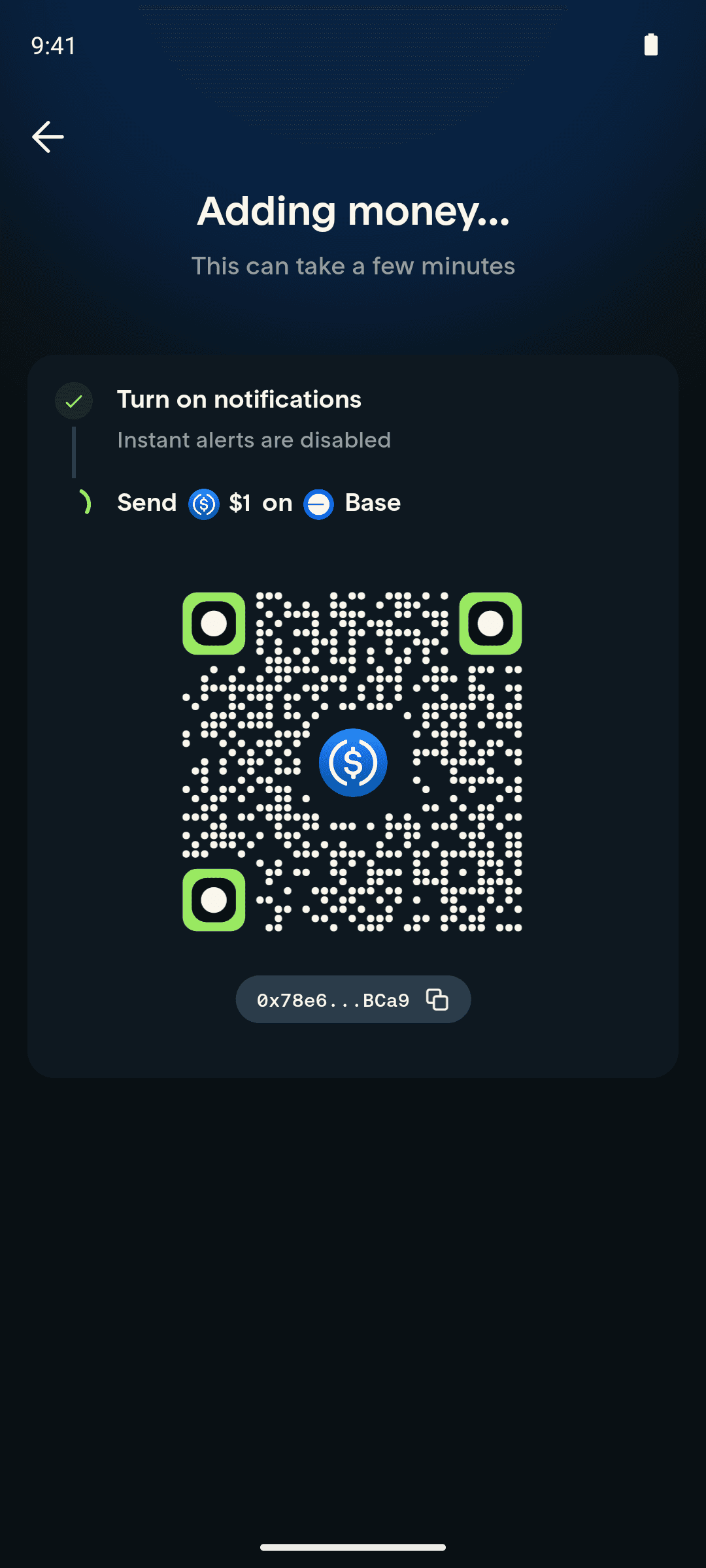
12Enter $1, tap "Continue" (Base stablecoin deposit)
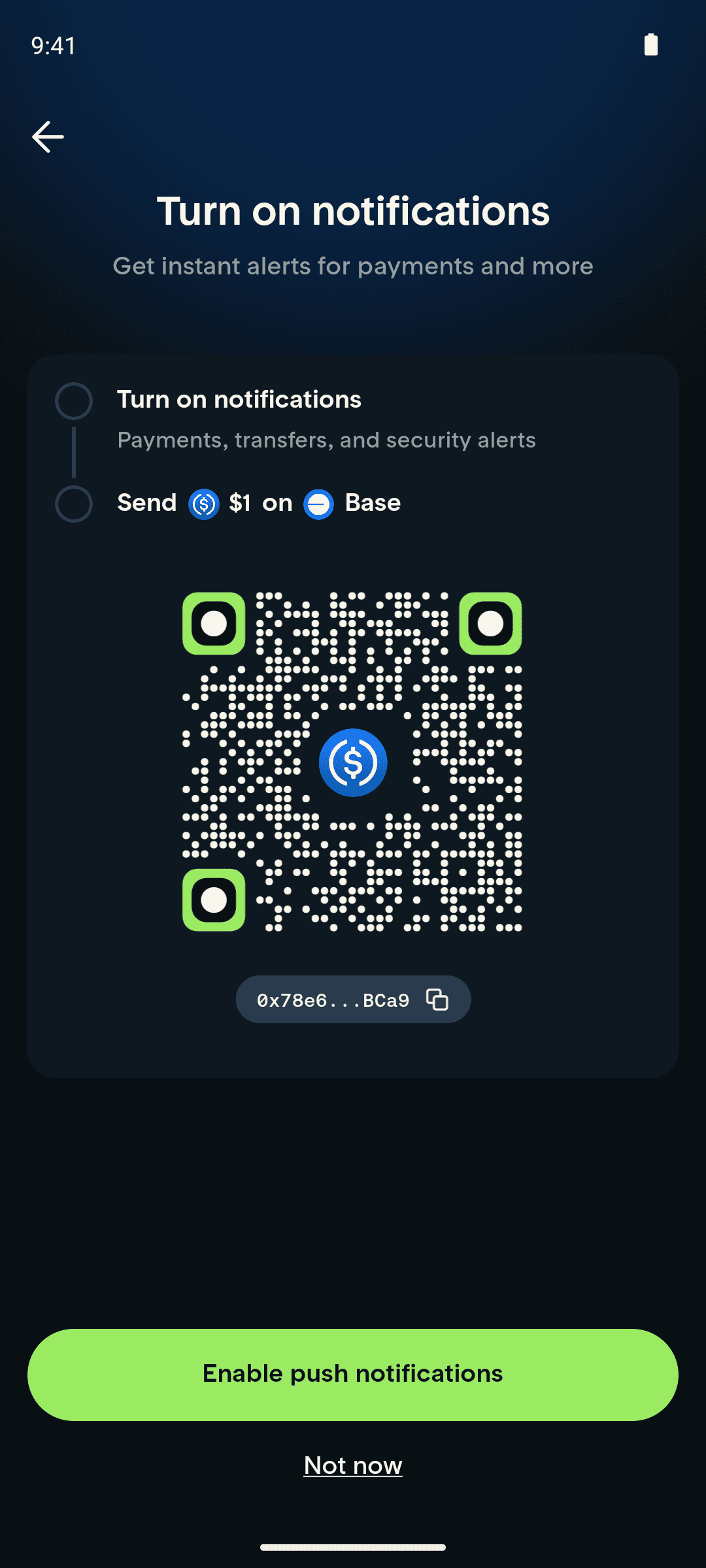
13Notifications prompt appears on arrival
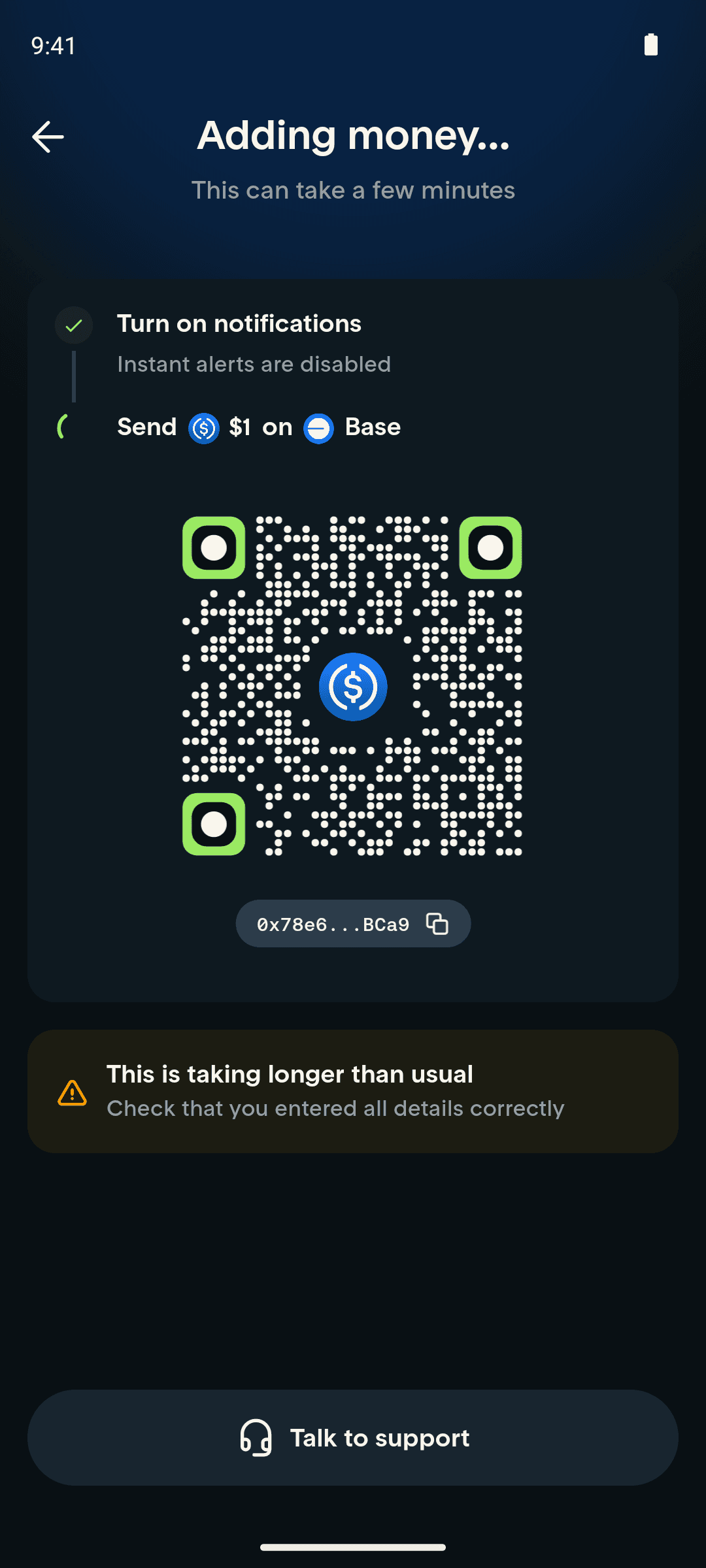
14Wait — transfer taking longer than usual
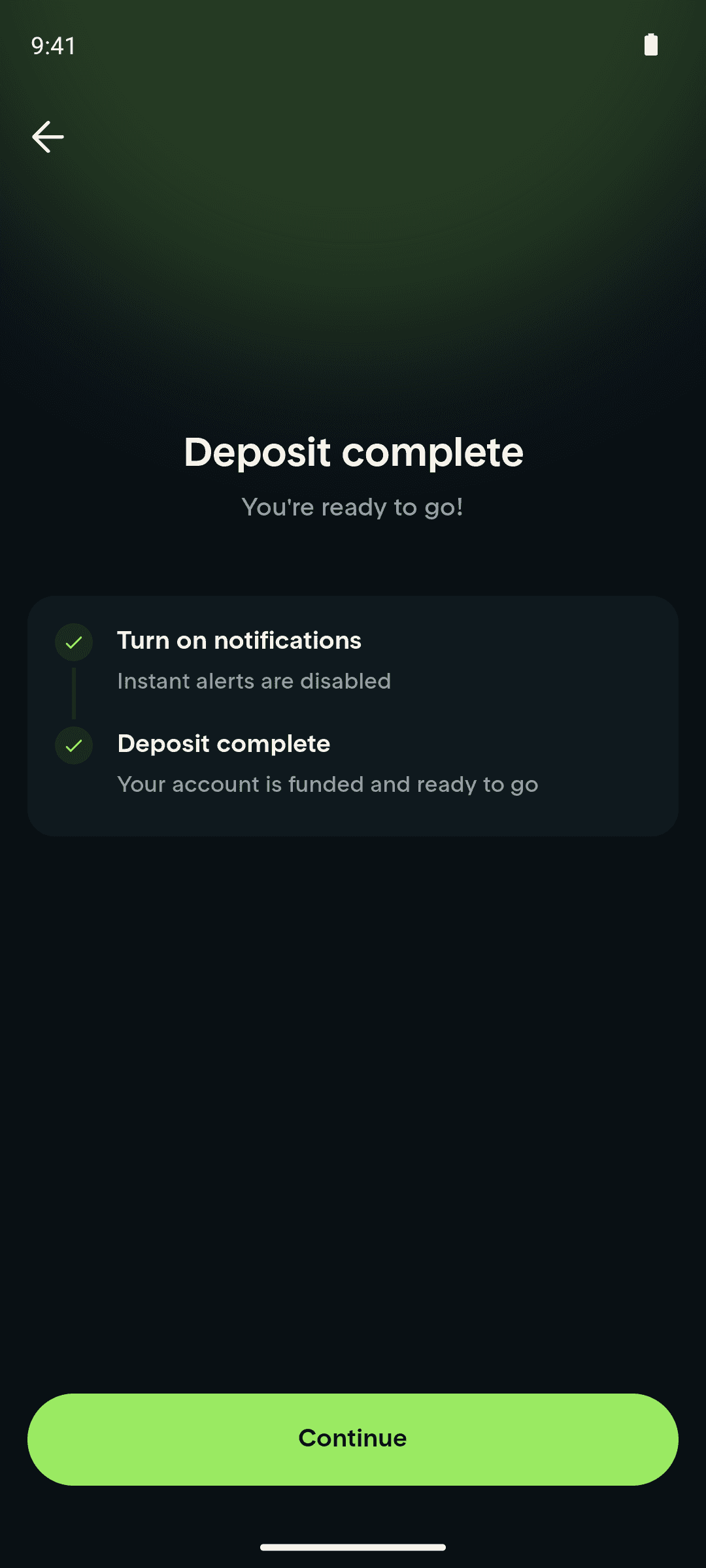
15Base deposit confirms
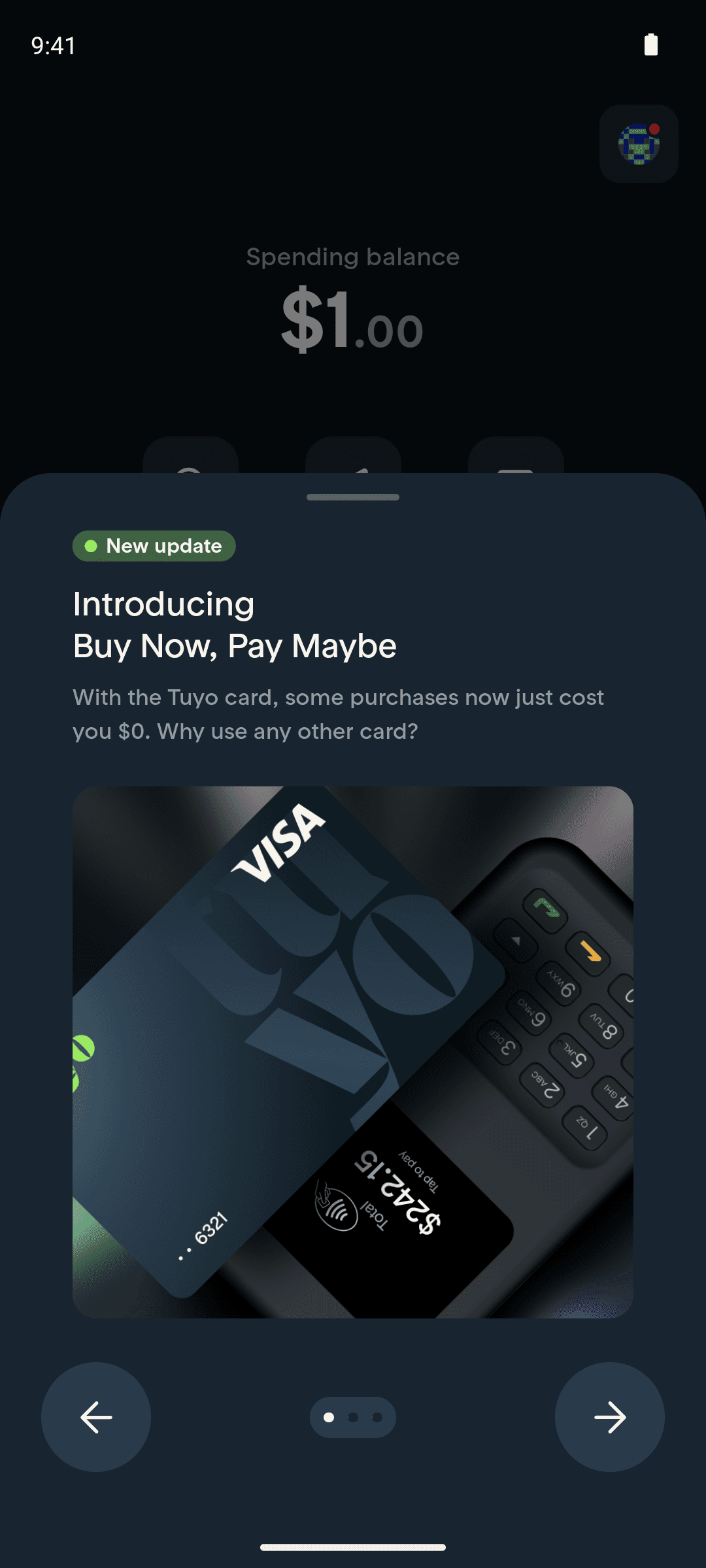
16Tap "Continue"
16 screens
Jun 5, 2026