 Plasma OneVerifying your identity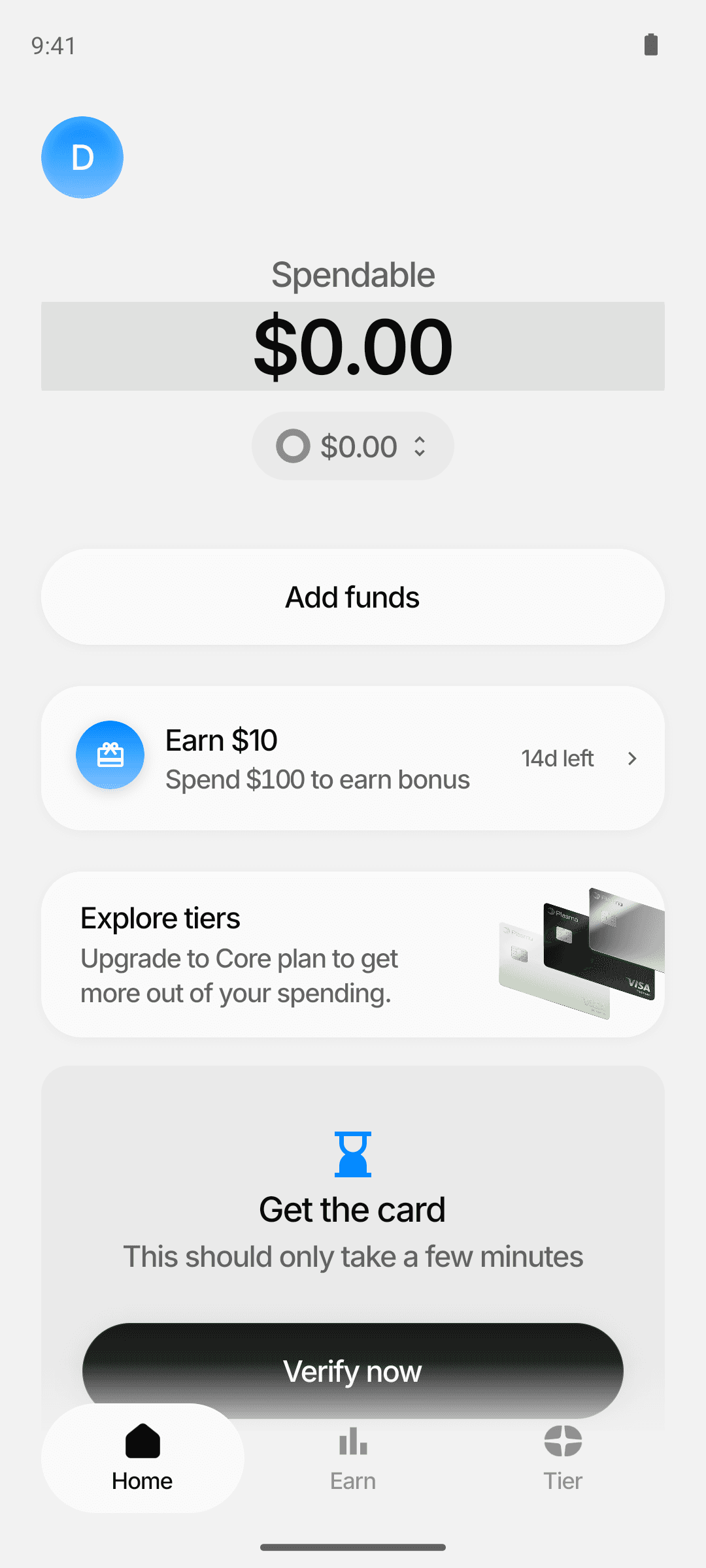
1Spendable
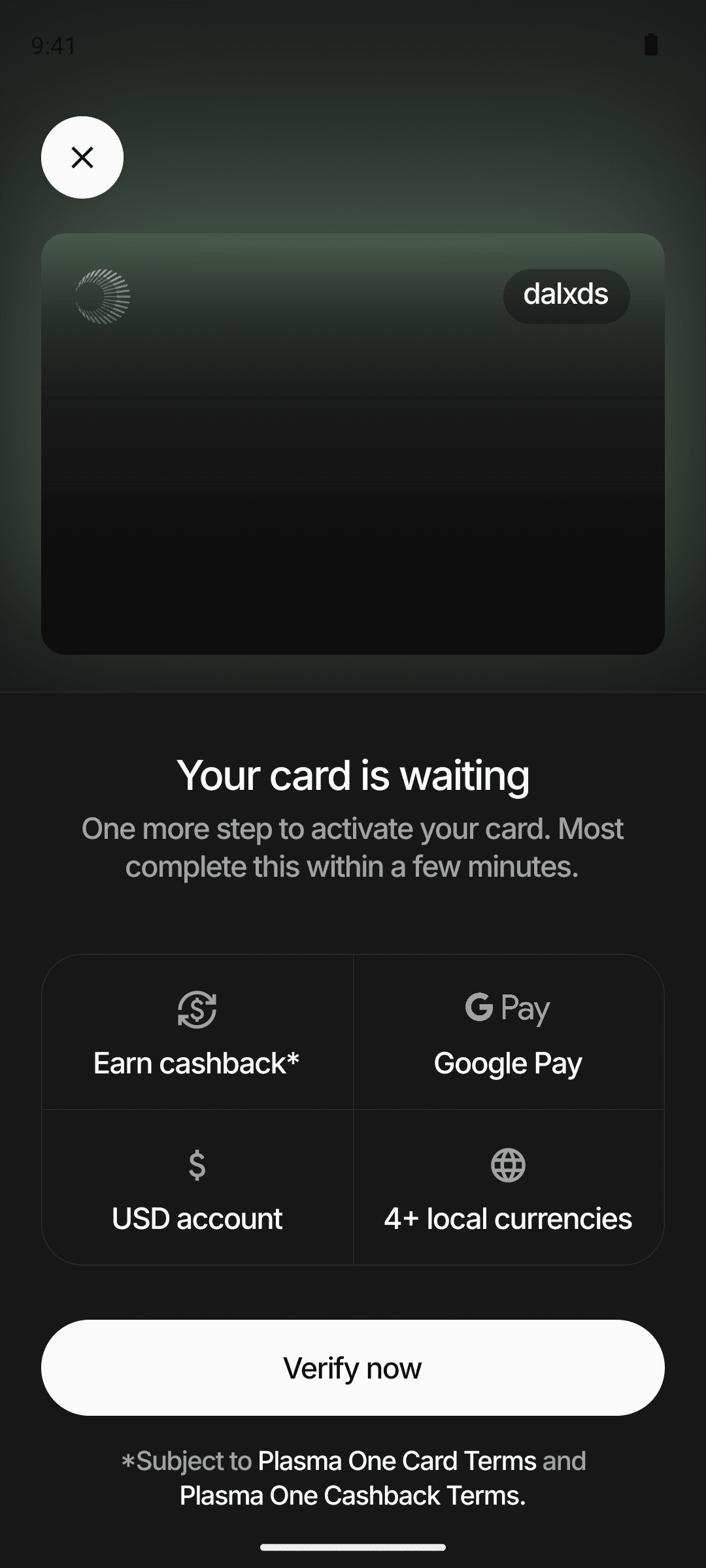
2Tap "Get the card - Verify now"
3Tap "Verify now"
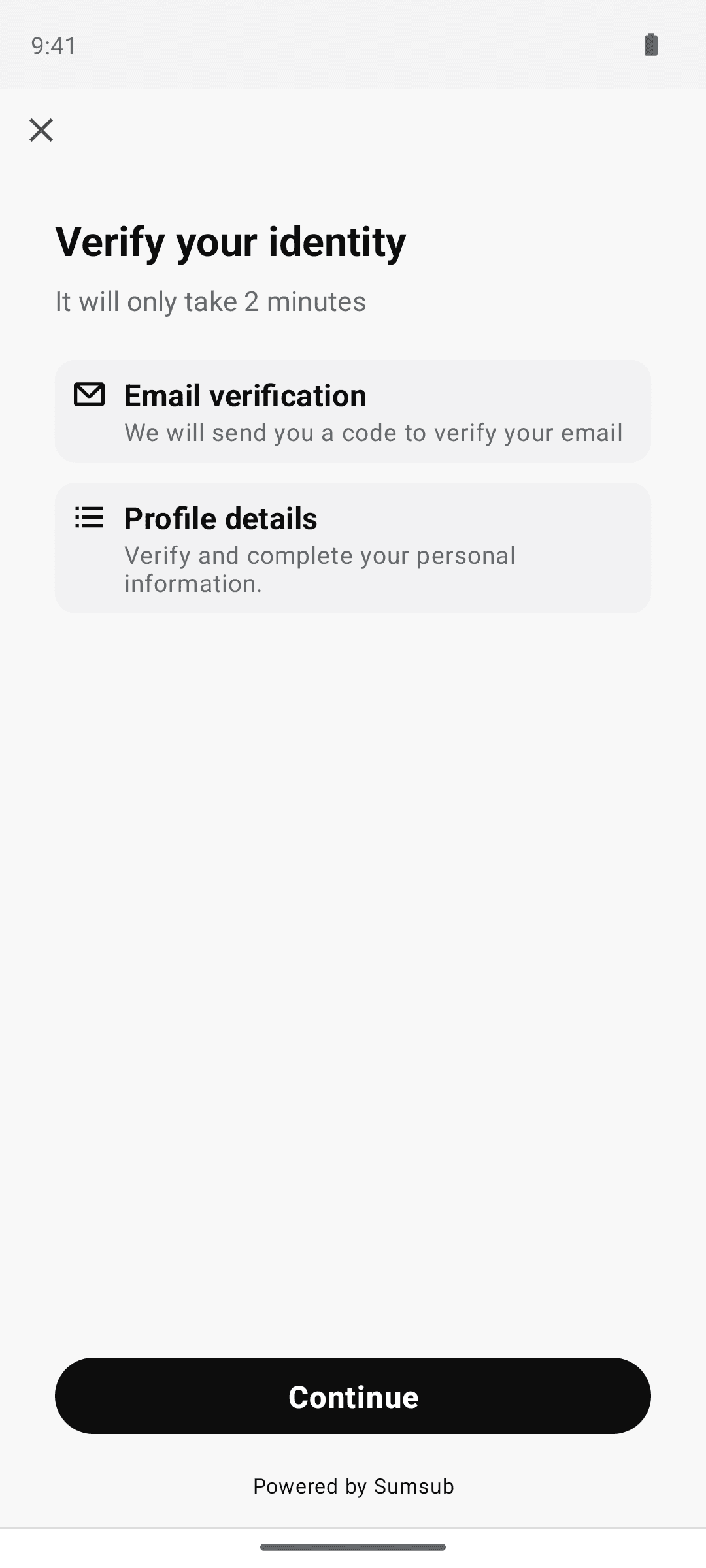
4Tap "Continue" (launches Sumsub SDK)
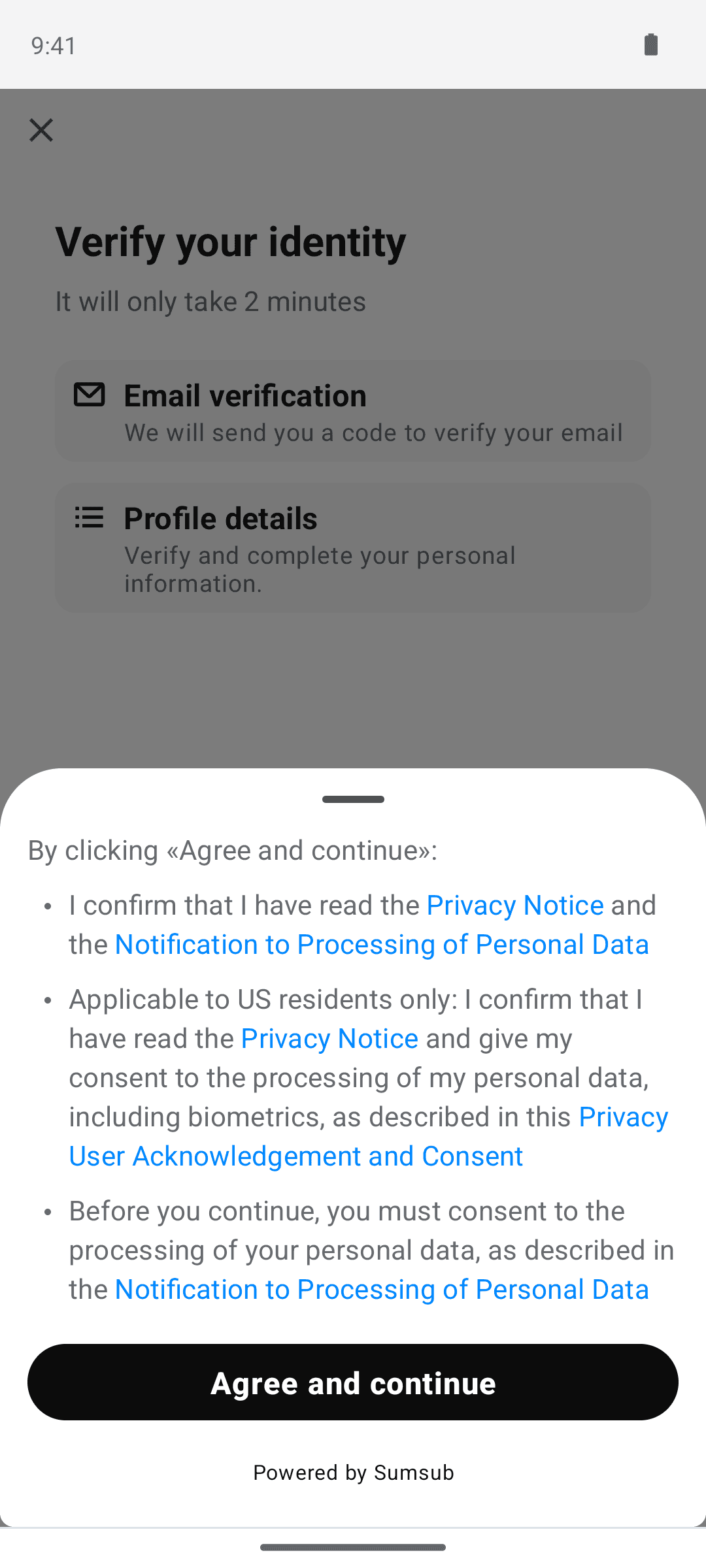
5Tap "Agree and continue"
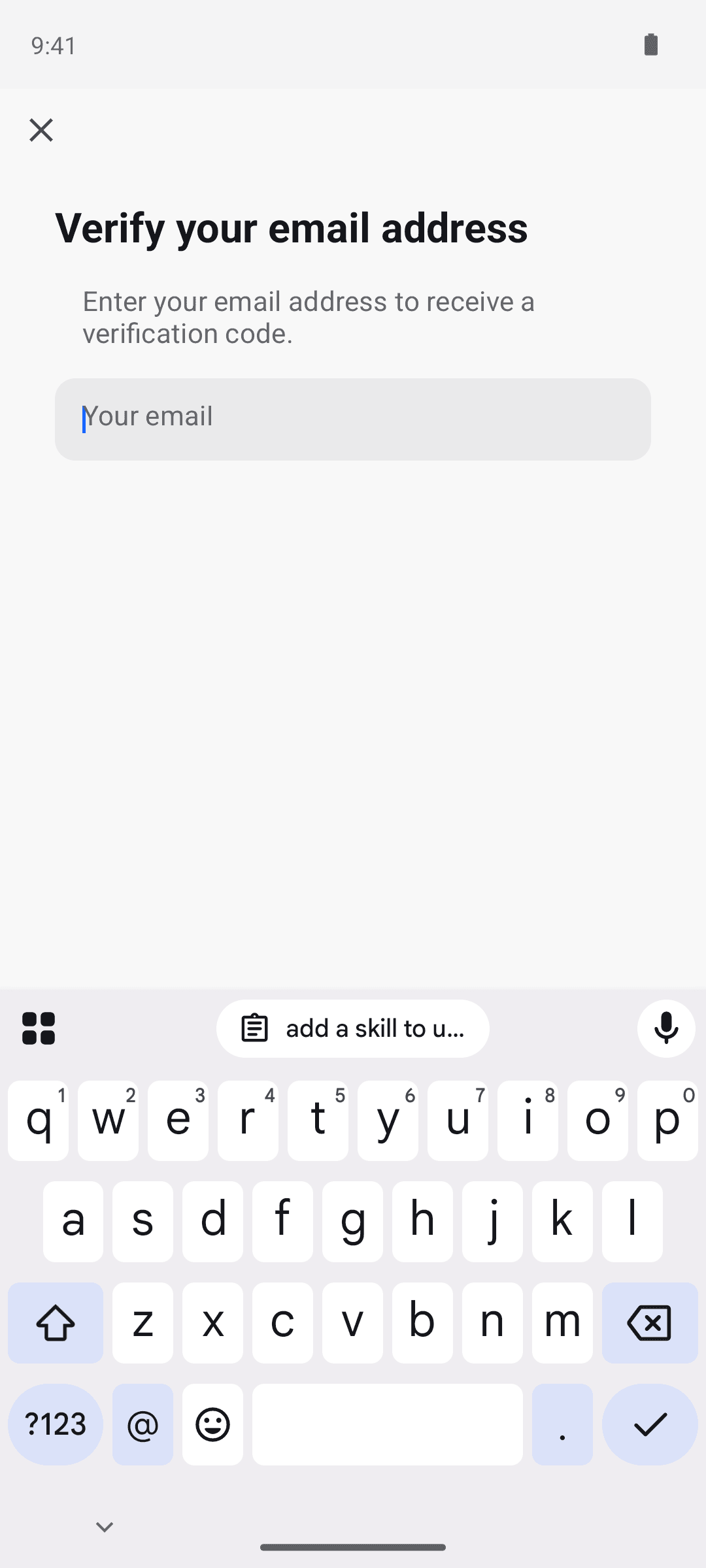
6Verify email (KYC email-code screen omitted as PII-redacted)
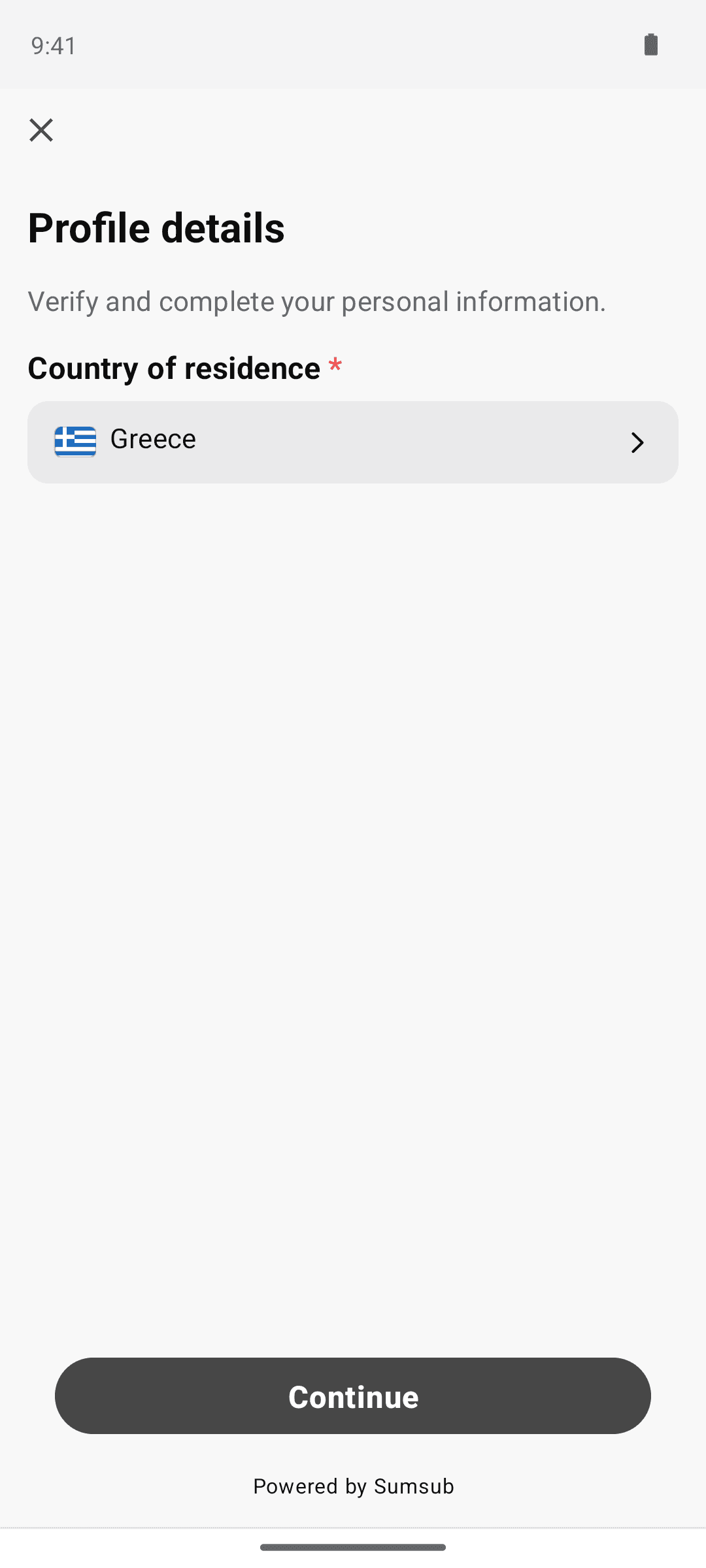
7Confirm country of residence and tap "Continue"
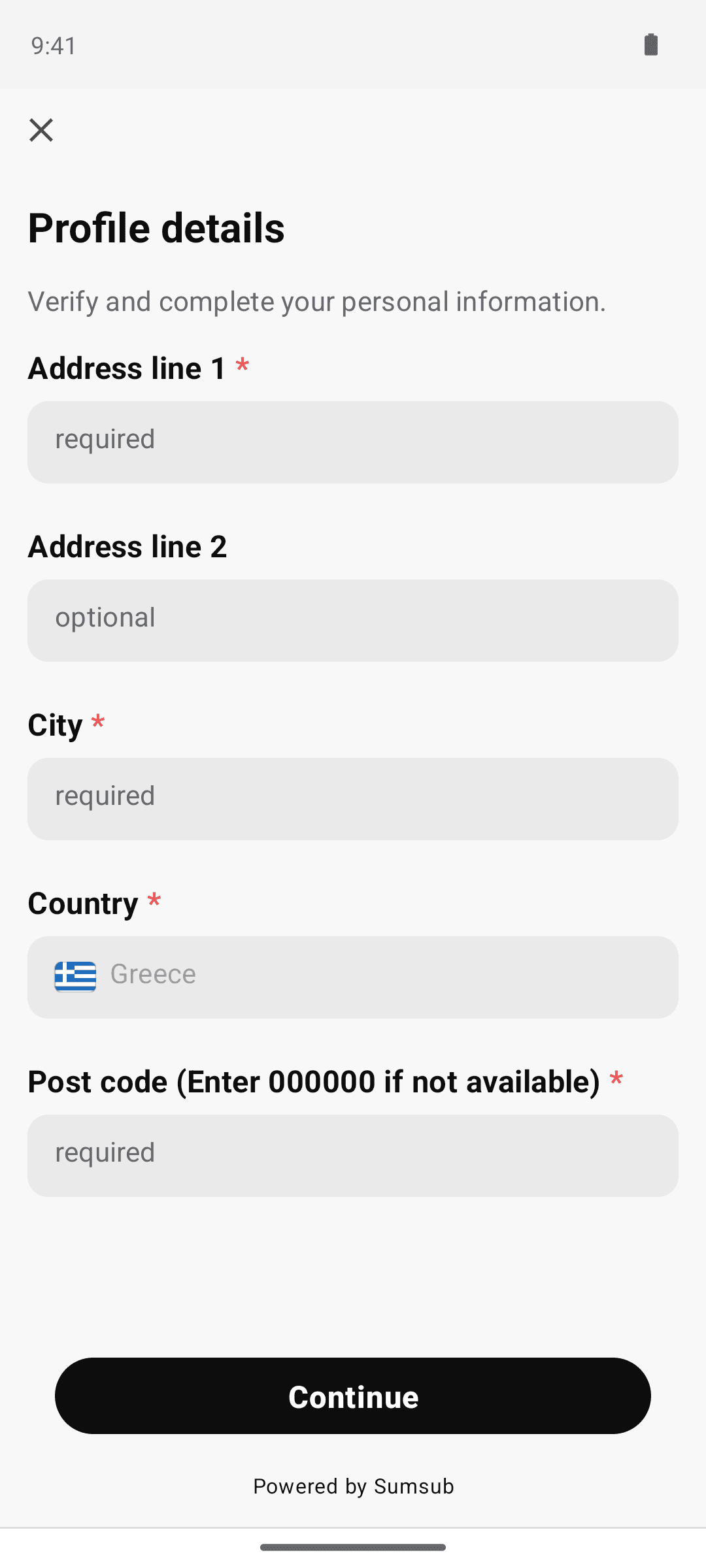
8Enter address and tap "Continue"
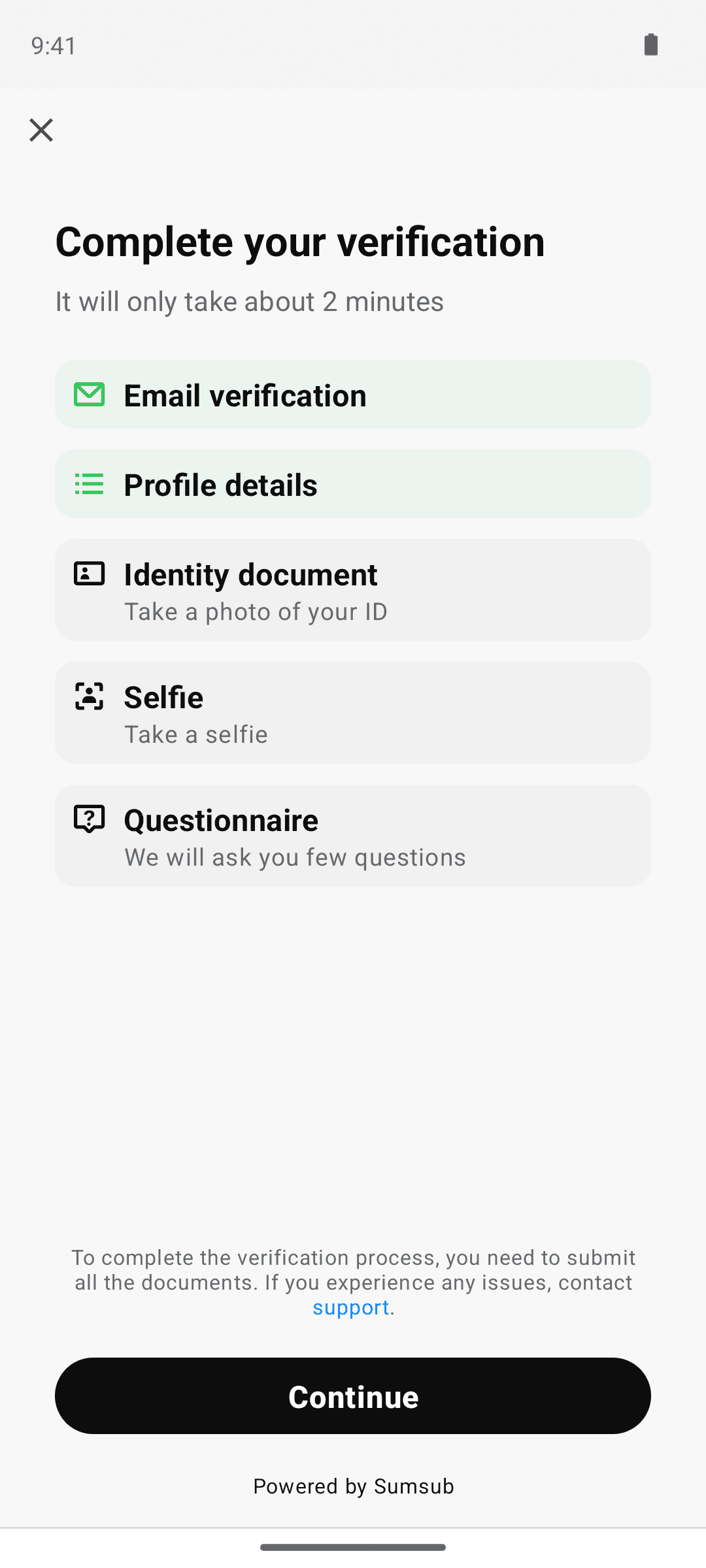
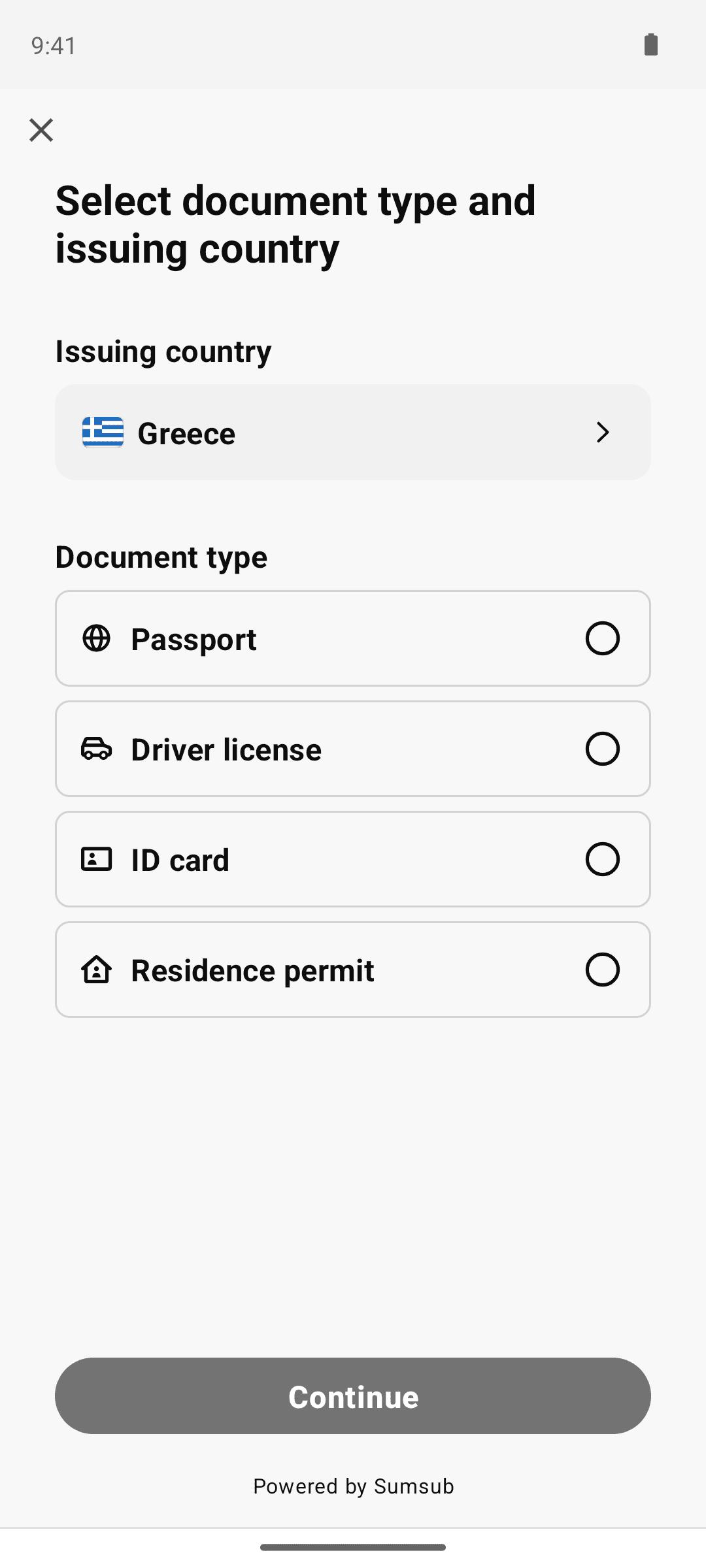
9Tap close (back to Sumsub step checklist)
9 screens
Jul 21, 2026